
A private workspace that runs on your device.
Nemosine keeps your notes in a database on your device, so nothing waits on a network round trip and everything works in airplane mode. Sync is encrypted before it is uploaded, with a key we never receive.
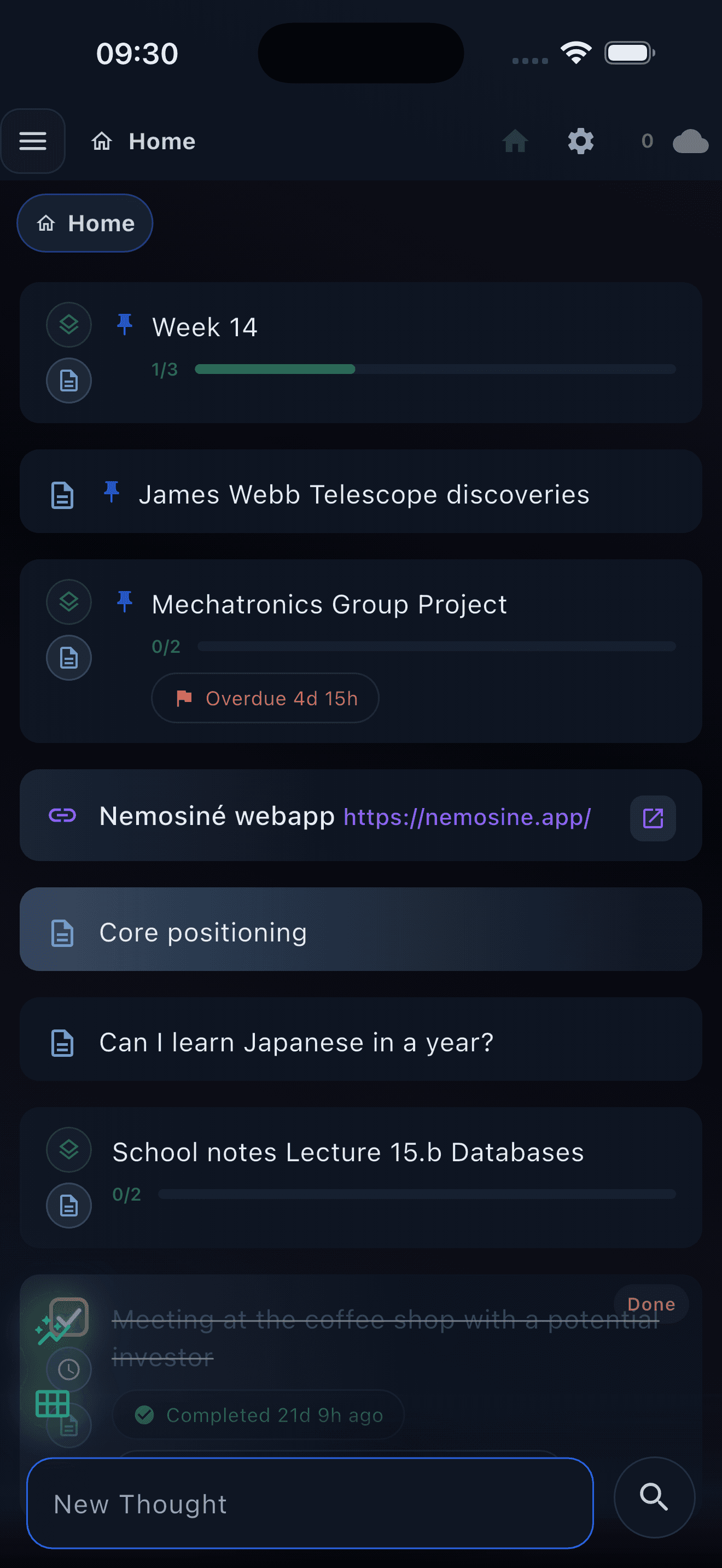
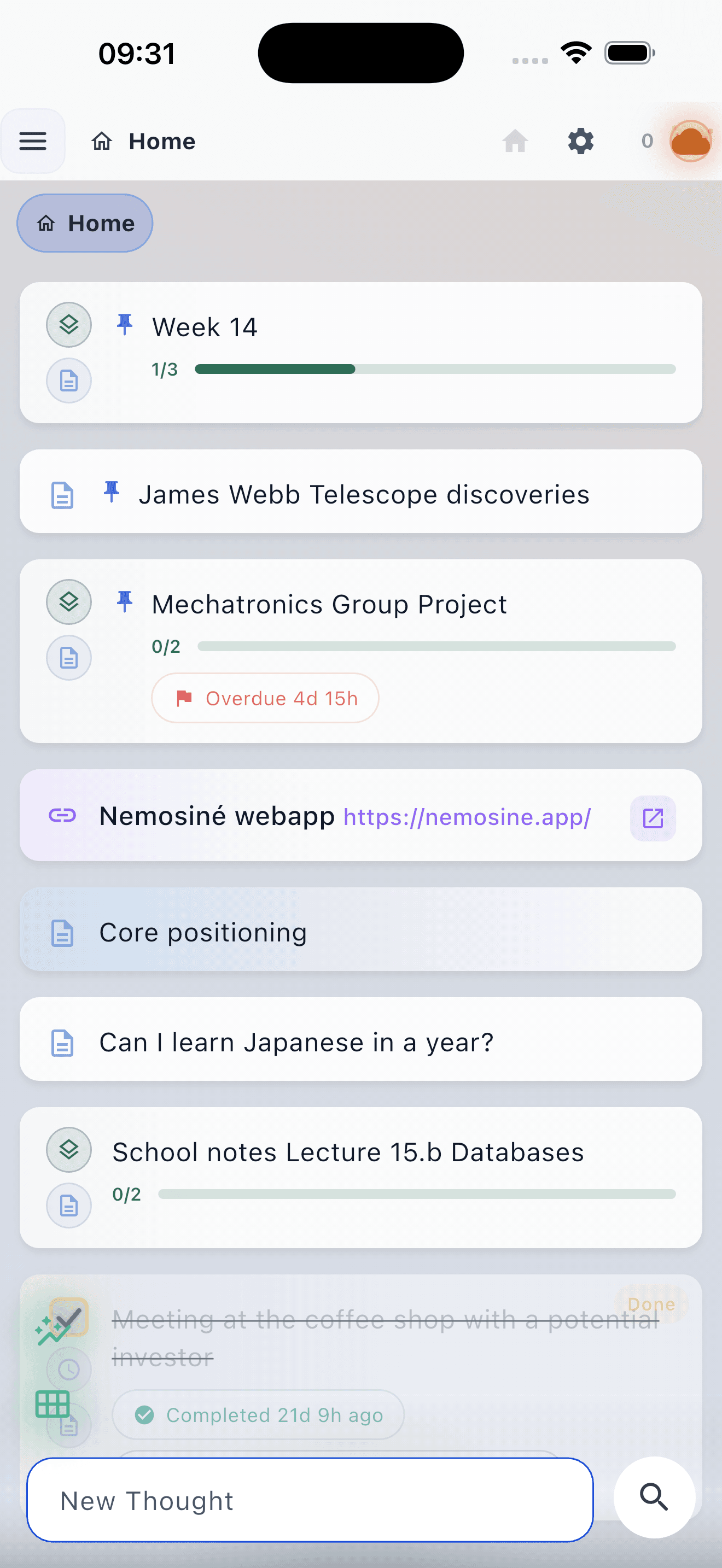
On the web now, and on iPhone through public TestFlight. Android, Windows and Linux are in development.
Most notes apps keep your notes on someone else's server.
They need a connection to open, they sync through a service that can read what you wrote, and the privacy policy can change after you have moved in. Nemosine works the other way around: the notes are on your device, and the encryption happens before anything is uploaded.
Capture
Open the app and start typing.
Nemosine opens on a cursor in a new note. You do not have to pick a folder first or choose a template, and you can file it later or not at all.
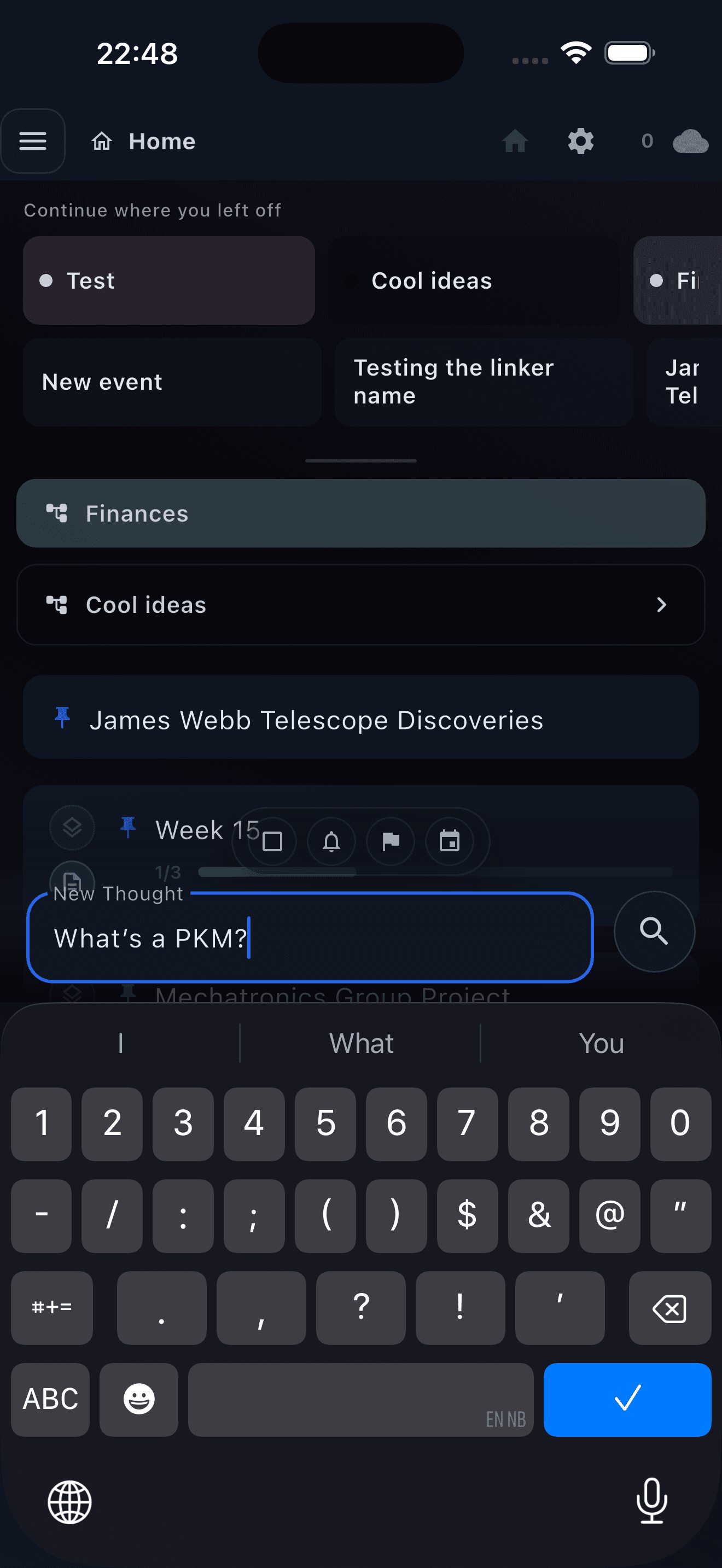
What a note can holdRead moreClose
- Folders
- Notes go in folders, and folders nest as deep as you want. Move a note into one later, or leave it where it landed.
- A formatting editor
- Headings, lists, quotes, tables, and code blocks that keep the language they are highlighted in.
- Voice notes
- Record audio and transcribe it. On iPhone and Mac the transcription runs on the device, so the audio never reaches a cloud service.
- Images, files and handwriting
- Attach files, write with a pen or stylus, and pull text out of an image on-device on iPhone and Mac.
- Tasks where you wrote them
- Any checkbox in a note becomes a task, and every task from every folder collects into one list.
- Reminders without a form
- Nemosine reads dates and times out of what you typed and offers a reminder, so you do not have to fill anything in.
Privacy
The encryption happens on your device, not on our server.
Nemosine cannot read your synced notes. Content is encrypted before upload, using a key derived from a sync password we never receive.

How the privacy worksRead moreClose
- Local before network
- The app reads and writes a database on your device. The network is optional, not a dependency.
- End-to-end encrypted sync
- Note content and attachments are encrypted on your device before upload. The server holds encrypted rows and the sync metadata needed to route them.
- Airplane mode is a normal mode
- Full reading and writing with no connection. Changes reconcile the next time you are online.
- Sensitive folders
- Mark a folder sensitive and every folder nested inside it inherits the setting. Sensitive notes are kept out of search, recall and AI context.
- On-device AI, free
- Local models run on your own hardware on iPhone and Mac. No account, no subscription, and no request leaves the device.
- Export without asking
- Markdown export at any time, plus PDF export, watermark-free on Pro.
Retrieval
Finding an old note is the part that has to work.
Nemosine indexes everything you write and gives you several routes back: full-text search, links between notes, a graph, and recall for the ones you have stopped opening.
Routes back into your notesRead moreClose
- Search
- Full-text search across everything you have written, with a dedicated search overlay on desktop.
- Links
- Link one note to another so related writing stays connected instead of scattering across folders.
- Graph
- A map of which notes link to which, so you can see which subjects have actually grown.
- Recall
- Nemosine resurfaces notes that have gone quiet, picked from how you actually read and edit.
- Recaps
- A generated summary of a day or a month, so you can see what the time contained.
- Calendar
- Notes with dates appear in month and week views next to the rest of your schedule.
Decisions
Turn a month of notes into one decision.
Select the notes that belong together and crystallize them into an Insight. The source notes move inside it, so there is one current version and no copies to keep in sync.
How crystallizing worksRead moreClose
- The twin editor
- Sources in one pane, the insight you are writing in the other. Drag quotes straight across.
- Absorption, not duplication
- Source notes are moved into the insight instead of copied, so there is never a second version going stale.
- The Shelf
- Finished insights leave the folder and sit at the top level, where the conclusions are easy to find.
- Still a normal note
- An insight is an ordinary note. Open it, edit it, or break it back apart.
Everything above this line is free, and stays free.
Nemosine Pro
Pro adds an AI that reads the workspace.
Luna answers questions across the notes you give it access to, and cites the ones it used. You choose what goes into each request, and sensitive folders never do.
- Grounded in your own notes
- Luna reads the Nemosine sources you select and keeps the references, so you can check the answer against the note.
- You approve every write
- Luna can draft a new note. It cannot save one without you.
- 10,000 credits a month
- Credits cover Luna's cloud requests. Local AI and ordinary note-taking never spend one.
- Sync that keeps up
- 1 GB for notes and app data, plus 5 GB for files and attachments, encrypted across every device you use.
- Your calendar, connected
- Connect a Google Calendar read-only and see it next to your own dated notes.
- Watermark-free PDF
- Export a PDF with no Nemosine mark on the page.
- Pro and custom themes
- Custom themes, and the graphite theme this page is using.
Start in the browser, no account needed.
Free to start. Sync and Pro are there when you want them.